




Affordable Protection with Easy, Reliable Installation
Enjoy a no hasssle, easy-to-install screen protector that promises a dust-free, bubble free, template installation. The screen protector is listed at being 7x stronger than generic screen protectors and will reduce glare, light losss, and retain phone screen sensitivity. Pair you glass with your favorite phone case. The $20.99 pricetag is a much better deal than replacing a screen.
PROS
- Simple and efficient installation process with an included alignment jig
- Three included screen protectors provide excellent value and backup options
- Strong, clear glass that feels smooth and maintains screen sensitivity
- Reduces glare, reflection, and light loss while preserving display quality
CONS
- Initial installation may result in bubbles that take time to clear
- Packaging, while attractive, is slightly bulky
- Requires firm pressure during installation to achieve optimal results
- Slight learning curve for achieving a perfect bubble-free finish on the first try
- DESIGN
- EASE OF USE
- PRICE
- INSTALLATION/INSTRUCTIONS
Easy to install, protective glass for your new iPhone
I have utilized services like Best Buy Geek Squad or Verizon representatives to install screen protectors, as the installation process can be a frustrating endeavor. It never fails that a piece of lint or debris will appear on a previously cleaned surface. You may accidentally touch the inner sticky surface and leave a fingerprint or smudge, or the installation is simply catywampus. For those looking to add an extra layer of protection to the screen and want an easy, hassle-free installation process, the ESR Armorite setup may be perfect.

The ESR Armorite Screen Protector for iPhone 17 Air arrived in a 3 5/16 inches wide by 6 15/16 inches tall by 15/16 inches thick retail package. The cover panel displayed the ESR logo along the top left, a military grade protection logo along the top right, two product feature icons along the bottom left (2 steps-0 hassle, dust-free, bubble-free), and a cartoonish image of damage dissipation. The main focal point was the large image of the screen cover and installation jig. I liked that the picture showed the main installation frame, the two-step process, and the large “pull” icon. The right side panel displayed a fun “Tech Made Easier” slogan, while the left side panel provided legal information and contact information. The bottom panel provided a few product manufacturing labels.
The most helpful panel was the rear panel. The top segment showed the Ultrafit Series Armorite Screen Protector name, while the bottom segment displayed three product feature icons (2steps 0 Hassle, dust-free bubble-free, 7X stronger than generic screen protectors), recycling logos, and a UPC barcode label. Like the cover panel, the main focal point of the rear panel was the large photo-quality image of the installation process, jig, and turquoise “pull logo.”

I opened the box and removed the inner 5.2-ounce teal and black plastic kit. The black-covered cover had a large teal outline of a left-hand with large “Press here” printed on the surface. I opened the kit and found a total of three screen protectors within the shell. I perused the instruction manual, scanned the QR code, and reviewed the installation process. I turned off the iPhone 17 Air, placed the phone onto my table, cleansed the surface with an alcohol swab, then with the included microfiber cloth, and finally with the dust removal sticker.
One of the three glass protectors was preinstalled within the kit. The top segment had alignment tabs for the glass. I loved that the kit had two additional screen protectors. This will allow for redundancy in the case of a mistake or if the protector becomes broken during use. I placed the iPhone 17 Air face down within the tray and made sure that the pull tab was outside of the kit. I closed the cover, pressed firmly onto the backplate, gripped the pull tab, and pulled downward. I followed the instruction manual recommendations and waited a few seconds for the screen cover to adhere. I found four to five large bubbles and approximately ten smaller bubbles on the initial attempt. I used the included bubble extractor and still had a few bubbles after about thirty minutes. I was pleased to find that all of the bubbles had resolved overnight.
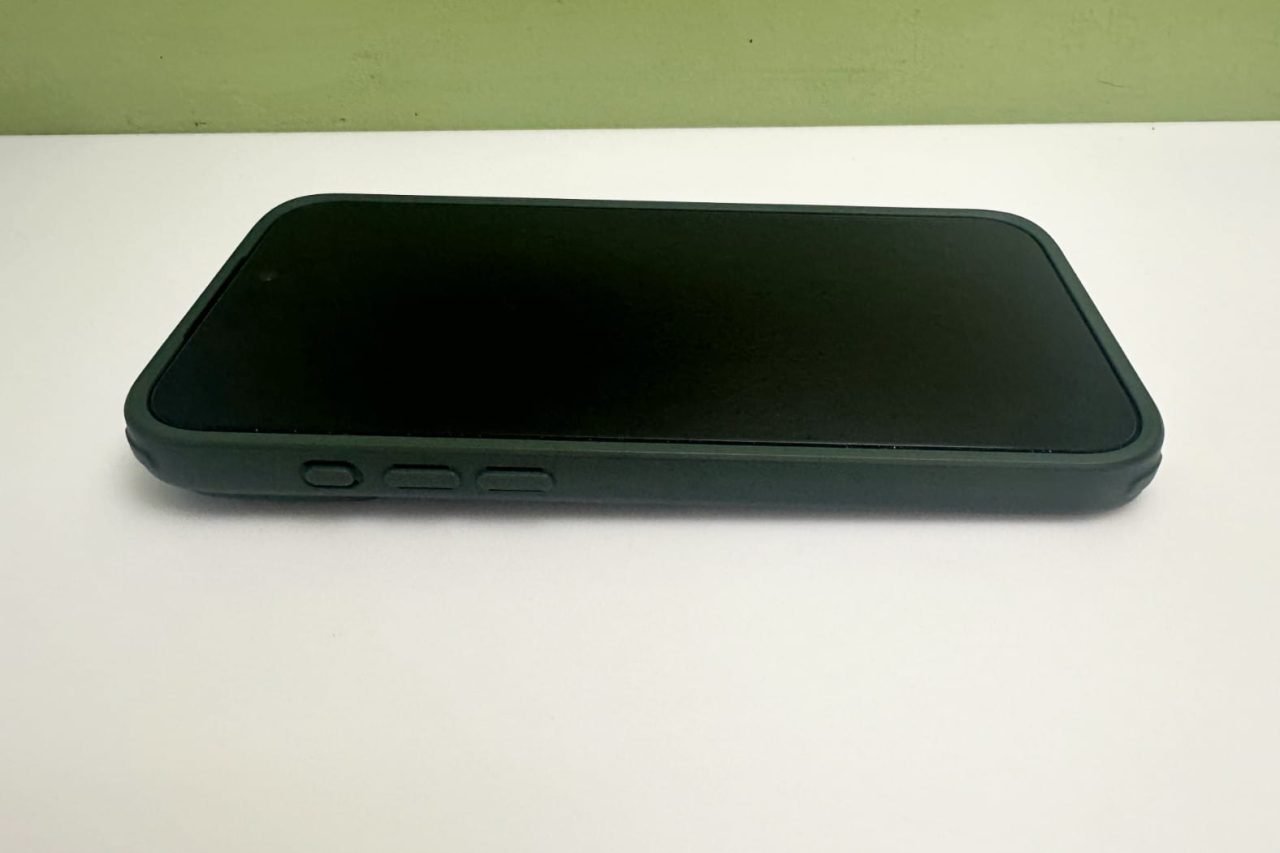
Even though I was initially disappointed with the number of bubbles left under the screen, I was pleased to find that there were no lint particles, smudges or alignment errors. Furthermore, with the rate at which my family breaks screen protectors, I loved that I had backup covers. The installation process was very straightforward and hassle-free, as promised by the instruction manual. The inviting packaging did a great job at demonstrating the process, and the instruction manual/QR code was easy to follow. Overall, the kit proved to be more effective than I had expected. I repeated the process with the Armorite Screen Protector 7X for iPhone 17 Pro Max and found fewer bubbles the second time when I pressed down more firmly than the first time. The packaging was similar but came in a slightly larger box (3 1/2 inches wide by 7 1/4 inches tall by 15/16 inches thick) due to the size differences between the iPhone 17 Pro Max and Air.
I am pleased to announce that neither the iPhone 17 Air nor 17 Pro Max has any scratches or screen damage after the last 2 weeks. My wife and two sons do not use any type of holster or carry bag for their phones and have experienced numerous drops and damage to screen protectors over time. I typically utilize a Nite-Ize XXL holster, rarely set my phone down in random locations, and thankfully have only broken a single screen protector in the last five years. This is in direct contrast to my wife/kids, who have broken six this year and already had a few small scratches on the 17 Air screen after dropping it within a case onto rocks (see blemish on picture). I am thankful that I only had to repair screen protectors instead of screens or phones. Luckily, the Armorite installation process was quick, efficient, and their glass was as robust as other generic cases.
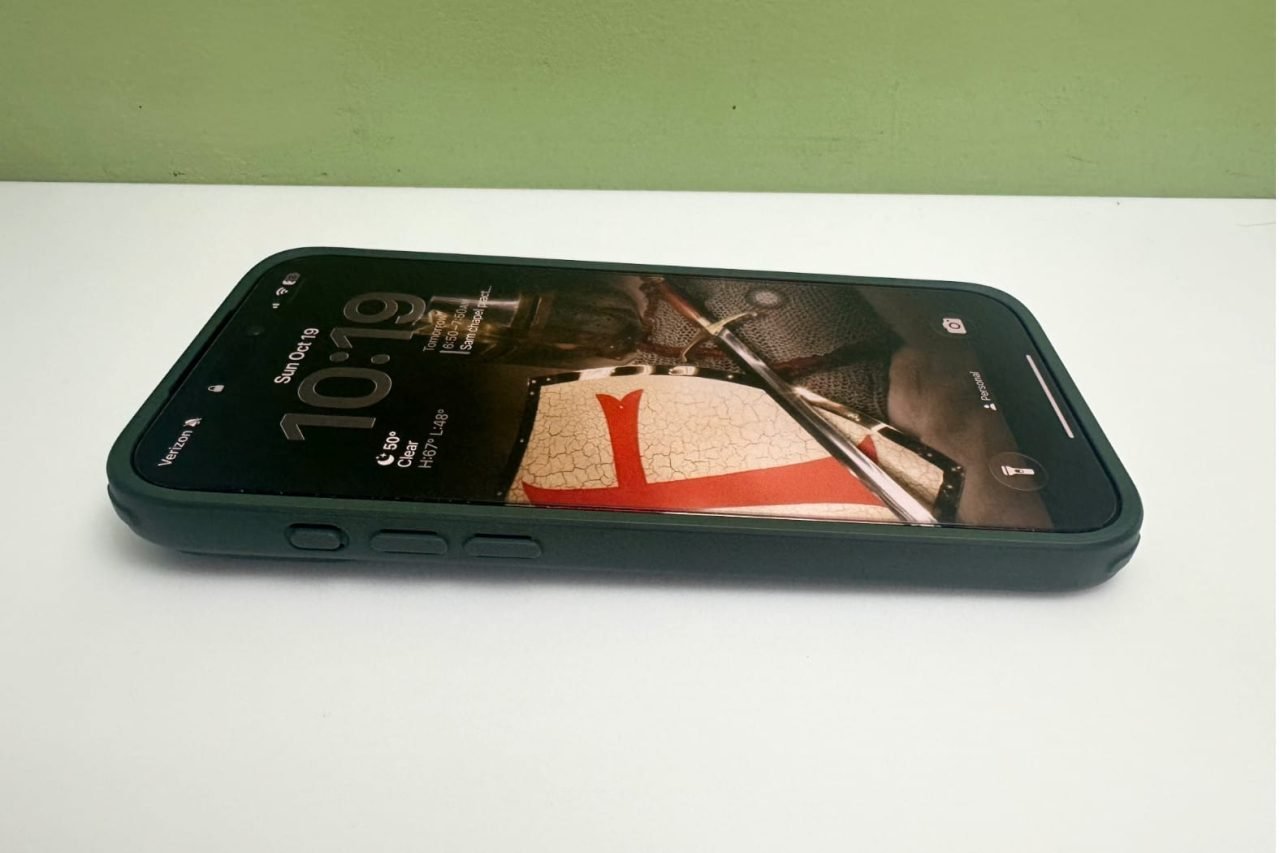
I liked the feel of the smooth glass as compared to other, more plastic-feeling devices. The website promised 50% less reflectance, 25% less light loss, and 56% less haze without the loss of touch capacitance or senitivity. I paired my ESR Armorite protector with the ESR Hybrid Magnetic case.
Learn more about the ESR Armorite protectors 17 Pro Max and 17 Air.
Follow ESR on Facebook and X (Twitter).


