


A Portable Productivity Powerhouse
The ViewSonic VG1457 combines two displays into a remarkably portable package, making it an excellent companion for anyone who needs more workspace while traveling. Its sturdy construction, simple USB-C connectivity, ability to run from a laptop, and sharp 14-inch panels make it particularly well suited to productivity. While Mac users will encounter some limitations and gamers will likely want a faster display, the VG1457 delivers where it matters most for mobile workers: it provides significantly more workspace without significantly increasing the amount of gear you need to carry.
PROS
- Dual 14-inch displays in a portable 2.6-pound design
- Simple USB-C setup with no additional software required
- Can be powered directly by a compatible laptop
- Excellent solution for mobile productivity
CONS
- macOS has limitations with independent dual-display operation
- 60Hz refresh rate isn’t ideal for gaming
- Included felt sleeve could offer better protection
-
DESIGN
-
EASE OF USE
-
PRICE
ViewSonic VG1457 Dual Screen 14 Inch 1200p Portable Monitor
The ViewSonic VG1457 puts two 14-inch WUXGA displays into a portable 2.6-pound package, giving mobile workers more screen space without carrying two separate monitors.
Traveling and staying productive has become much easier in recent years, largely thanks to portable devices like tablets and laptops. The only issue I end up having is a lack of screen real estate when I’m on-the-go since I’m used to working on a 34-inch wide screen monitor. This is where ViewSonic’s dual-screen portable monitor comes in handy.
About the ViewSonic VG1457
The ViewSonic VG1457 is a dual-screen portable monitor designed to give users additional screen space without requiring two separate displays. It features two 14-inch WUXGA IPS displays with a 1920 × 1200 resolution, connected by a flexible hinge that allows the screens to be positioned in multiple configurations.
The VG1457 supports several viewing modes, including Extend, Mirror, Full-Screen, Share, and Dual Source. It also features USB-C connectivity with up to 65W power delivery, allowing it to connect to compatible laptops and mobile devices while helping reduce the number of cables needed. At approximately 2.6 pounds, the VG1457 is designed for users who want a larger workspace while traveling or working away from their primary desk.
With its flexible design and dual-display functionality, the VG1457 is particularly suited to productivity tasks such as multitasking, presentations, document work, and working with multiple applications simultaneously.

Specs
- Screen Size: 14″ (x2)
- Viewable Area (in.): 14″ (x2)
- Color Space Support: 8 bit (6 bit + FRC)
- Viewing Angles: 170º horizontal, 170º vertical
- Backlight Life (Hours): 15,000
- Display Resolution: WUXGA (1920×1200)
- Display Resolution: 1920 x 1200
- Dynamic Contrast Ratio: 50,000,000:1
- Aspect Ratio: 16:10
- Panel Surface: Anti-glare, hard-coating (3H)
- Light Source: LED
- Brightness: 250 cd/m2
- Static Contrast Ratio: 800:1
- Panel Type: IPS
- Refresh Rate: 60Hz
- PC Resolution (max): 1920×1200
- Mac® Resolution (max): 1920×1080
- USB Type C: 65W x 3
- Internal Speakers: 2W (x2)
- Consumption (typical): 13W
- Consumption (max): 18.5W
- Voltage: AC 100-240V (universal), 50-60Hz
- Stand-by: 0.5W
- Power Supply: External
- Cable Organization: No
- Physical Controls: Up, Down, Enter, Power
- On Screen Display: Input Select, Display Settings, Volume, Color Adjust, Information, All Recall
- Temperature: 32-104º F (0 – 40º C)
- Humidity (non-condensing): 20-90%
- Frequency Horizontal: 15 ~ 82 KHz
- Frequency Vertical: 50 ~ 170 Hz
- Swivel: 340º
- Pivot (Right/Left): Landscape Mode: 0~180 degrees, Portrait Mode: 0~180 degrees, Stand Hinge: up to 90 degrees
- Tilt (Forward/Back): 15º / 45º
- Regulations: cTUVus, FCC-B, ICES003, Energy Star 8.0, EPEAT Silver, CEC
- Net (lbs): 2.6
- Net Without Stand (lbs): 2.6
- Gross (lbs): 4.4
- Net (kg): 1.2
- Net Without Stand (kg): 1.2
- Gross (kg): 2.0
- Packaging (in.): 15.4″ x 11.3″ x 3″
- Physical (in.): 16.77″ x 12.35″ x 0.59″
- Physical Without Stand (in.): 12.21″ x 8.37″ x 0.98″
- Packaging (mm): 391mm x 287mm x 77mm
- Physical (mm): 425.9mm x 313.8mm x 15mm
- Physical Without Stand (mm): 312.8mm x 212.65mm x 22.5mm
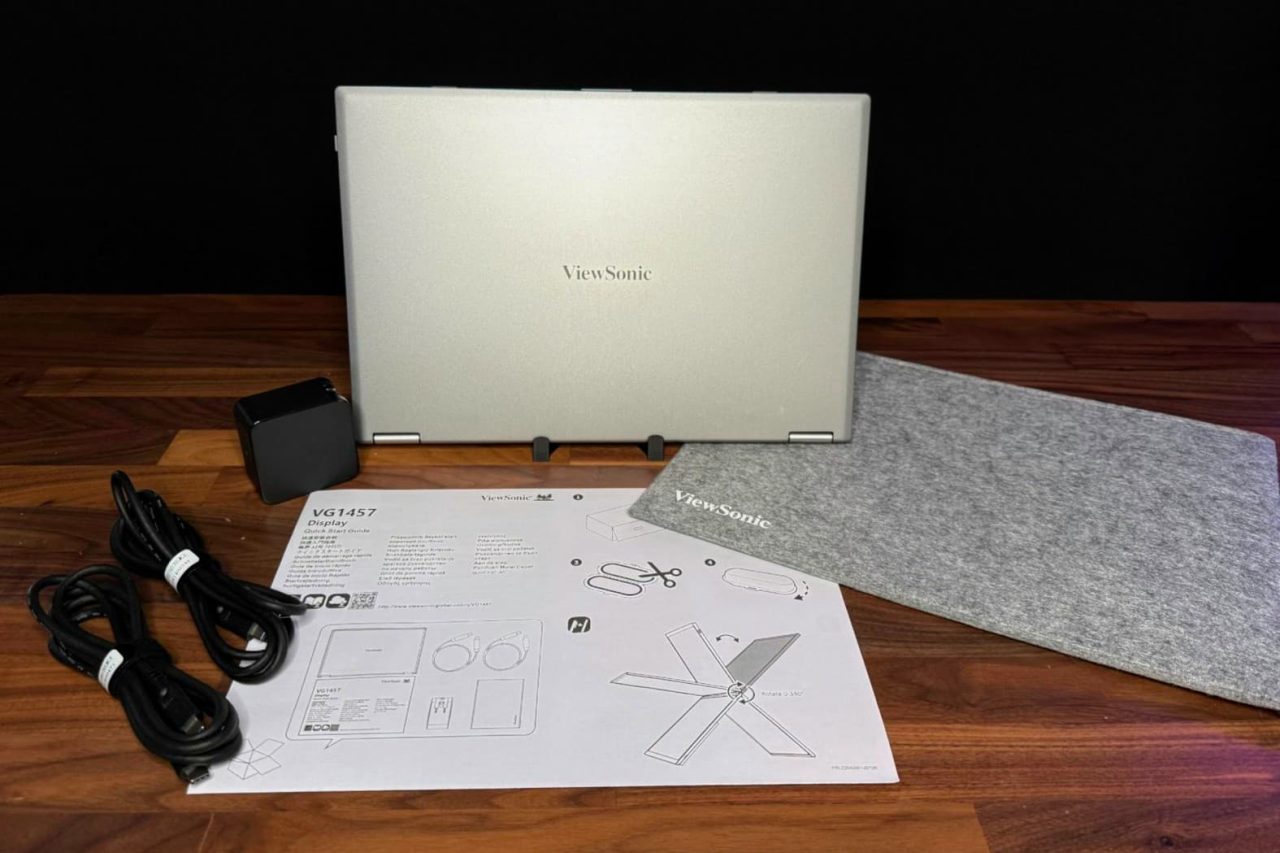
- Package Contents: LCD Display, AC/DC Adapter, 2x USB Type C Cable, Protective Case, Quick Start Guide
- Recycle/Disposal: Please dispose of in accordance with local, state or federal laws.
- Warranty: Three-year limited warranty on parts, labor and backlight
Pricing & Availability
The ViewSonic VG1457 has a list price of $349.99 and is available on Amazon.
Setup & Connectivity
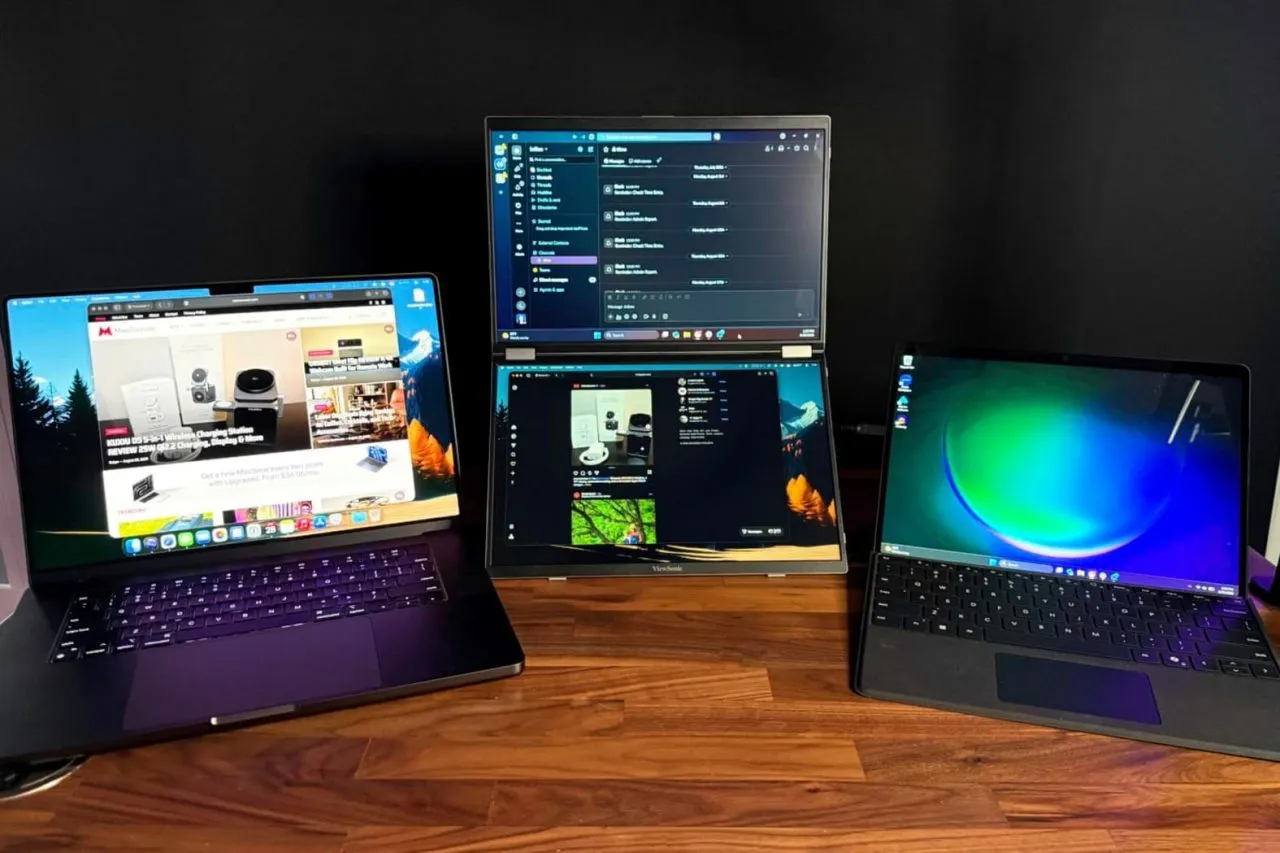
Getting the ViewSonic VG1457 up and running is remarkably simple. I connected both a Microsoft Surface Pro and a MacBook Pro directly to the monitor using USB-C, with each side of the VG1457 having its own USB-C port for controlling its respective display. No software or drivers were required, and both displays worked immediately when connected to their host systems.
One of the more convenient features is that the VG1457 does not necessarily need to be connected to external power. I initially had power connected, but disconnected it to see whether the laptops could power the displays themselves. Both the Surface Pro and MacBook Pro were able to power the VG1457 without issue. I also haven’t experienced any connection dropouts during my testing.
The experience does differ depending on the host computer. When using the MacBook Pro by itself, macOS recognizes the VG1457 as a single external display, with both panels showing the same content. The two panels are essentially mirrored rather than appearing as two independent external displays. I did adjust the resolution on the MacBook-connected display, although the monitor worked without making that adjustment. When I connected the Surface Pro by itself, only one of the VG1457’s displays was active. However, connecting the Surface Pro and MacBook Pro simultaneously allowed each display to operate independently, with one screen dedicated to each computer.
Display & Everyday Use
The VG1457’s displays have been impressive for everyday productivity. Brightness is more than adequate for indoor use and remains usable when positioned near a window. I haven’t tested it in direct sunlight, so I can’t say how well the panels would perform under those conditions, but typical indoor environments haven’t presented any issues.

Colors look good straight out of the box. They are slightly muted compared with the display on my MacBook Pro, but the difference is relatively minor, and I haven’t made any color adjustments. Text is particularly easy to read, which is important for a monitor designed primarily around productivity. I also haven’t noticed any significant glare or reflections during use.
For my testing, I used one display for Slack and the other for Messages. Having those applications visible simultaneously is a good example of where the VG1457 makes sense. Rather than constantly switching between windows, both applications remain visible and accessible. With its 60Hz maximum refresh rate, this isn’t a portable monitor I’d choose specifically for gaming, but that isn’t really where it excels. It is much better suited to expanding your workspace when you need additional screens for productivity.
Portability & Build Quality
Portability is one of the VG1457’s strongest attributes. Despite incorporating two displays into a single unit, it isn’t excessively heavy or cumbersome to carry. The system feels sturdy and robust when being handled, which gives me confidence that it can withstand normal wear and tear of traveling between home, office, and other locations.

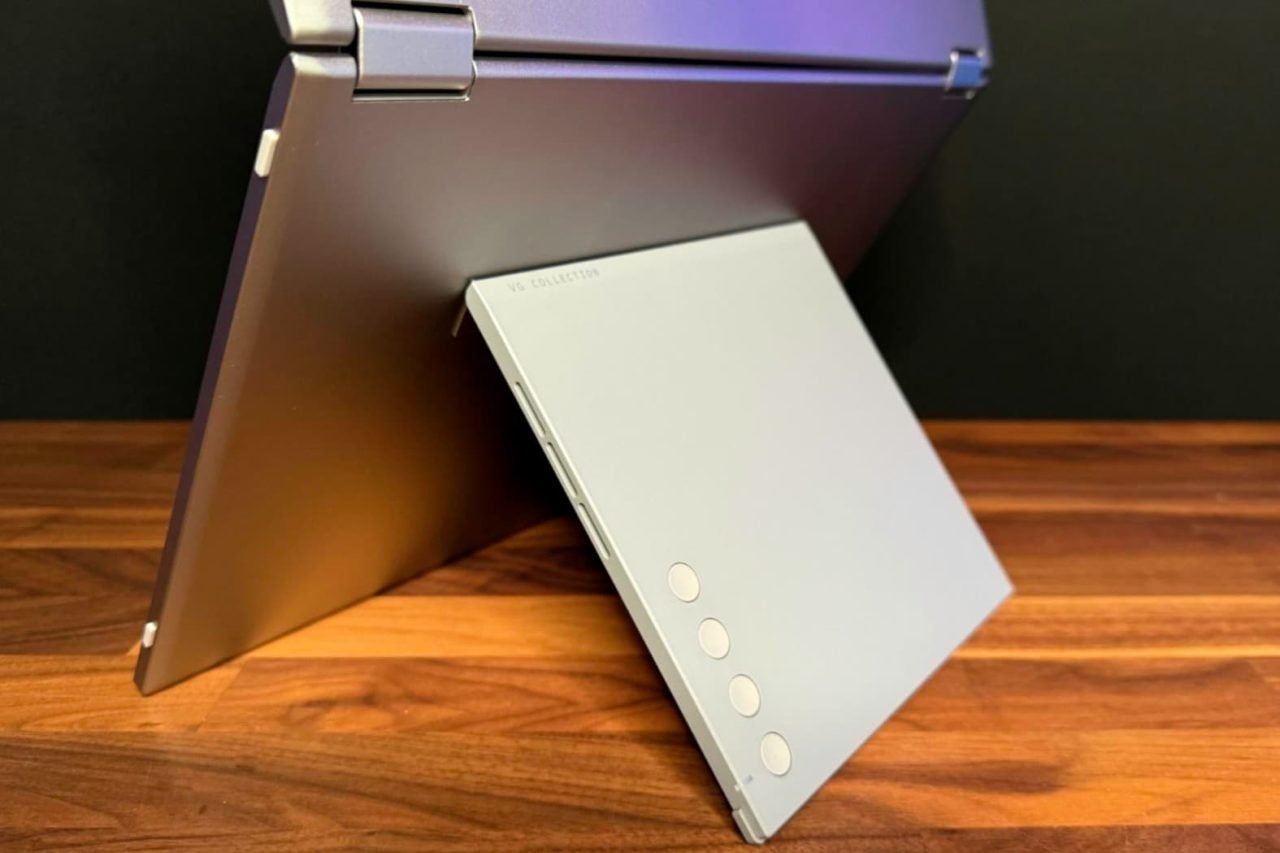
The hinge is tight enough to keep the displays securely positioned while still being easy to open and adjust. That balance is important for a portable dual-screen design because a hinge that is too loose would make positioning the displays frustrating, while one that is too stiff would make setup unnecessarily difficult.
ViewSonic also includes a travel pouch, which is a welcome addition and makes transporting the VG1457 easier. The pouch is made from felt, however, so I would have preferred something with a little more structure and protection. A more substantial travel case would provide greater peace of mind when carrying two displays in a laptop bag or backpack.
Overall, the VG1457 has been easy to set up, reliable in my testing, and surprisingly practical to carry. Its biggest limitation so far is not the hardware itself, but how the displays behave depending on the computer they’re connected to. For productivity, however, having two additional panels available in such a portable package can be extremely useful.
Conclusion
The ViewSonic VG1457 solves a problem that anyone who regularly works away from a desktop setup can appreciate: how do you get more screen space without carrying a collection of monitors and cables? By combining two 14-inch displays into a single portable unit, ViewSonic has created a convenient way to expand your workspace while traveling.
Despite its limitations, the VG1457 is an excellent option for people who prioritize productivity and portability. Having two displays available in a single 2.6-pound package is incredibly useful when working away from a traditional desk. If your primary goal is to have more room for applications, messages, documents, and other productivity tasks while traveling, the VG1457 is worth considering.
For more information, visit viewsonic.com